Electronic Medical Records Software in Mumbai for Clearer Patient Records
Hospitals and clinics create new patient records every day, including visit notes, test reports, medicines, bills and follow-up plans. When these details sit in different files or systems, staff may need extra time to find them. Electronic medical records software in Mumbai gives healthcare teams one place to record, view and update patient data, and VivaLyn EMR brings clinical records and daily care tasks into the same system for clinics, multi-doctor centers and hospitals with different patient record needs.
What This Helps You Evaluate
Use this page to quickly understand the operational fit, implementation scope, and workflow coverage before speaking with your clinical, billing, or administration teams.
One Patient Record, Every Stage
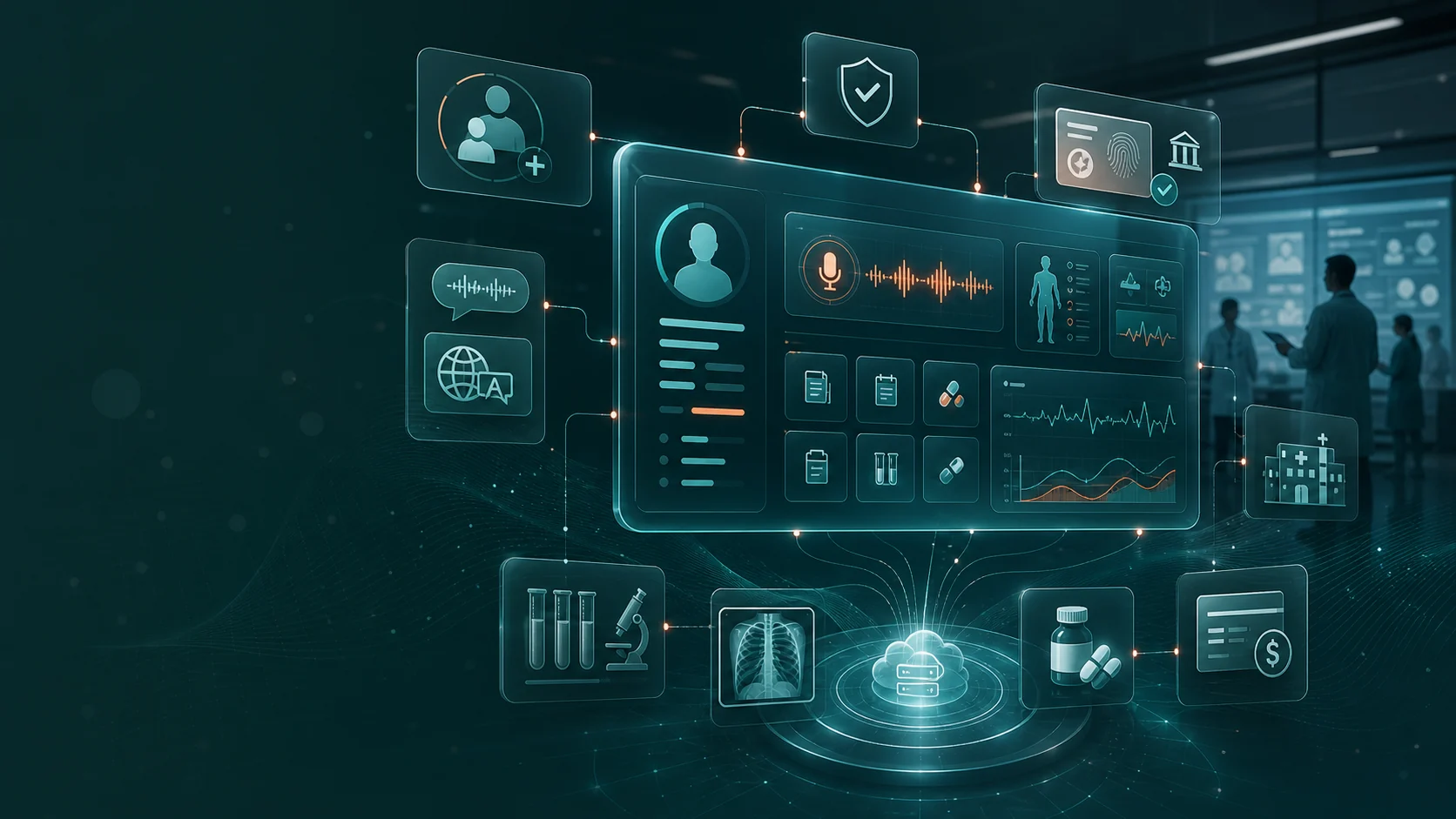
VivaLyn EMR keeps visit notes, symptoms, vitals, diagnosis, medicines, allergies, lab reports and follow-up notes under the same patient profile, connected with OPD, IPD, lab, pharmacy, nursing and billing for larger hospitals.
Reports Linked to the Right Patient
Lab reports, imaging records and uploaded documents from within the hospital or an outside diagnostic center can be stored within the patient record for later review.
Prescriptions Within the Same Visit
VivaLyn supports electronic prescriptions within the patient record, where doctors can add medicine details along with consultation notes and care instructions.
Keep the Patient Record Easy to Follow
A patient record should show the course of care over time. Doctors may need to review earlier visits, medicines, allergies, test results and treatment notes before starting a new consultation. VivaLyn EMR keeps these details under the same patient profile, and for larger hospitals, the patient record can also connect with OPD, IPD, lab, pharmacy, nursing, billing and other departments.
Record Each Visit in a Simple, Structured Way
An EMR should fit the way a clinic or hospital works. Staff need to register patients, doctors need to add consultation notes and other teams may need the same information for tests, medicines or billing. VivaLyn keeps these activities within one record and supports day-to-day clinical workflow management across different stages of patient care.
- Patient and visit details
- Symptoms and vitals
- Doctor notes and diagnosis
- Medicine and allergy details
- Lab and scan reports
- Treatment and follow-up notes
Keep Reports With the Right Patient Record
Patients may have blood tests, scans and other medical reports during different stages of care. Some may be created within the hospital, while others may come from an outside diagnostic center. Good medical report management keeps these files linked to the correct patient profile, and VivaLyn EMR can store lab reports, imaging records and uploaded documents within the patient record for later review.
Add Prescription Details During the Visit
Many consultations include medicine advice along with dosage and follow-up instructions. Recording these details within the same visit keeps the prescription linked to the consultation. VivaLyn supports electronic prescriptions within the patient record, where doctors can add medicine details along with consultation notes and care instructions. When pharmacy workflows are part of the setup, prescription information can also move to the pharmacy team as part of the same patient process.
Support Care From Registration to Follow-Up
Electronic medical records software in Mumbai can support patient information across different stages of care instead of keeping records only for doctor consultations. A small clinic may need appointments, consultation records, prescriptions and billing, while a hospital may also require admission, nursing, laboratory, radiology, pharmacy and discharge workflows. VivaLyn EMR is built around one patient record, with information entered during registration, consultation, testing or treatment remaining linked to the same patient profile based on user roles and access levels.
Manage Access to Patient Information
Medical records contain private personal and clinical details. Clinics and hospitals need defined access for doctors, nurses, front-desk staff, administrators and other users. Patient data security can involve role-based access and audit records that show how information is viewed or updated, and VivaLyn EMR provides access controls that can be set around different staff roles and workflows. Healthcare data storage requirements may also differ between healthcare organizations, so VivaLyn supports cloud and on-premise deployment options that can be considered based on internal IT needs, access requirements and operational setup.
Designed for Clinics, Hospitals and Multi-Site Care
Every healthcare setting handles patient records differently. A single-doctor clinic may need a simple OPD setup, while a multi-specialty hospital may require patient information to move across several departments. Healthcare teams can select modules based on the services they manage: clinics may focus on consultation and billing, while hospitals may also use laboratory, pharmacy, ward, bed and administrative workflows.
- Clinics with appointments, OPD records and billing
- Multi-doctor centers with shared patient records
- Hospitals with OPD, IPD, nursing and diagnostics
- Pharmacy and lab workflows linked to patient records
- Multi-location healthcare groups using a common record structure
VivaLyn EMR for Daily Healthcare Operations
Doctors, front-desk teams, nurses, lab staff, pharmacists and administrators use patient information for different tasks throughout the day, and each user may need access to a different part of the same patient record. VivaLyn brings these activities into a common system, with the platform including patient records, AI notes, patient portal access, billing, laboratory, pharmacy and hospital management modules that organizations can review based on their current processes, department needs and number of users.
What Should Healthcare Teams Check Before Choosing an EMR?
Before selecting electronic medical records software in Mumbai, healthcare teams can compare the system with the way staff currently manage patients and records. Reviewing the actual software workflow can give teams a clearer view of how registration, consultation, diagnostics, pharmacy and billing are handled within the platform.
- How staff can access past visits
- How doctors record consultation notes
- How reports are added to patient records
- How prescriptions are created and stored
- Which departments can access the system
- How user roles and permissions are managed
- Which deployment options are available
- Whether more departments or locations can be added
- What training options are available for users
Frequently Asked Questions
What is the difference between EMR software and EHR software?
EMR software mainly manages patient records within a clinic or healthcare organization, while EHR systems are designed for broader sharing of health information across different care settings.
Can an existing clinic or hospital move its patient records to VivaLyn EMR?
Yes, healthcare organizations can discuss their current record format and data migration needs with the VivaLyn team. The migration approach can be planned based on the type, volume and structure of existing records.
How can I choose the right VivaLyn EMR setup for my clinic or hospital?
The suitable setup depends on your number of users, departments, locations and daily workflows. A VivaLyn product demo can help your team review relevant modules and decide which features fit your current requirements.
How much does EMR software cost for a clinic or hospital in Mumbai?
EMR software pricing can vary based on users, departments, modules, locations and deployment needs. Healthcare teams can discuss their requirements with VivaLyn to understand the suitable setup and pricing structure.
Can VivaLyn EMR be customized for different clinic or hospital workflows?
VivaLyn EMR can be configured around different departments, user roles and operational needs. Clinics and hospitals can review their existing workflow during a demo to identify the modules and setup that match their requirements.
Continue Through the EMR Product Journey
Explore the connected EMR pages that help clinics and hospitals evaluate features, workflows, specialty fit, implementation, and demo readiness.
Vivalyn EMR Hub
Start with the core AI EMR product page for clinics and hospitals.
Next pathEMR Features
Review OPD, IPD, Patient 360, billing, lab, pharmacy, and AI workflows.
Next pathEMR Software India
Commercial product page for ABDM-ready EMR software in India.
Next pathClinic Management Software
Evaluate front desk, appointments, billing, inventory, and self check-in.
Next pathEMR by Department
Find specialty and hospital department workflows mapped to EMR use cases.
Next pathPatient Experience
Review patient self check-in, reminders, engagement, and front-desk flow.
Next pathCompliance & Security
Evaluate privacy, access controls, audit trails, and deployment governance.
Next pathEMR by Country
Browse international EMR software pages by country and deployment context.
Next pathEMR by City
Explore city-specific EMR pages for Hyderabad, Bengaluru, Mumbai, and Delhi.
Next pathEMR Alternatives
Compare Vivalyn EMR with common clinic and hospital software alternatives.
Next path2026 EMR Burden Dataset
Use the benchmark dataset on Indian EMR adoption and documentation burden.
Next pathStart 30-Day Free Trial
Move from research to product walkthrough, trial, and implementation planning.
Next pathEMR Knowledge Hub
Read implementation, migration, ABDM, and hospital workflow guides.
Continue the Product Journey
Explore adjacent workflows, then book a demo when you are ready to map the page to your clinic or hospital process.
Book EMR Demo